
Download Unblock Youku – Access China‑Restricted Content Securely
Overview
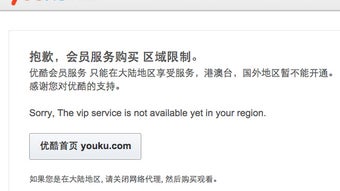
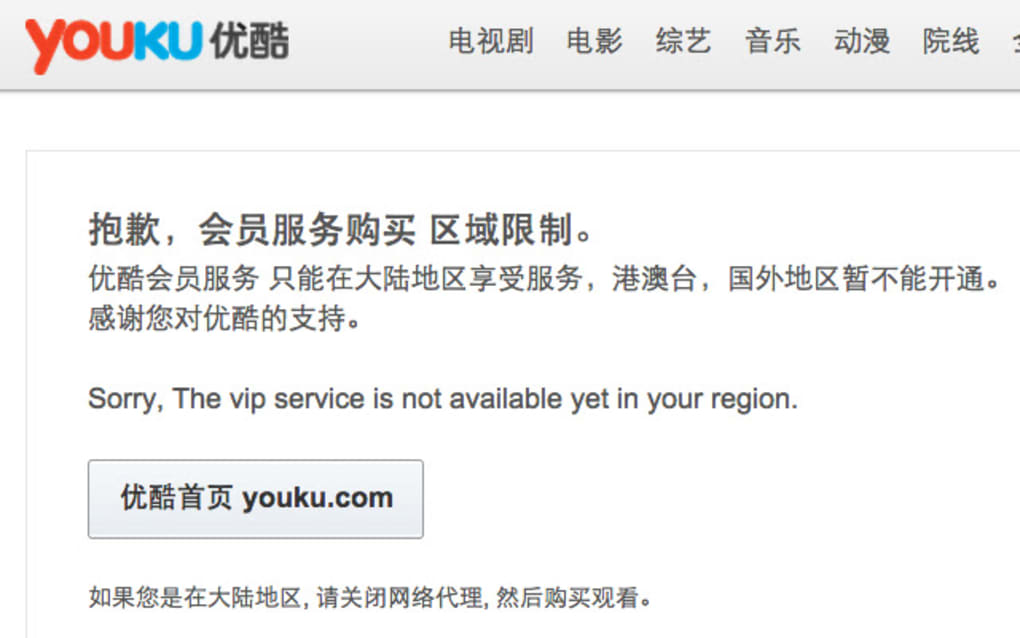
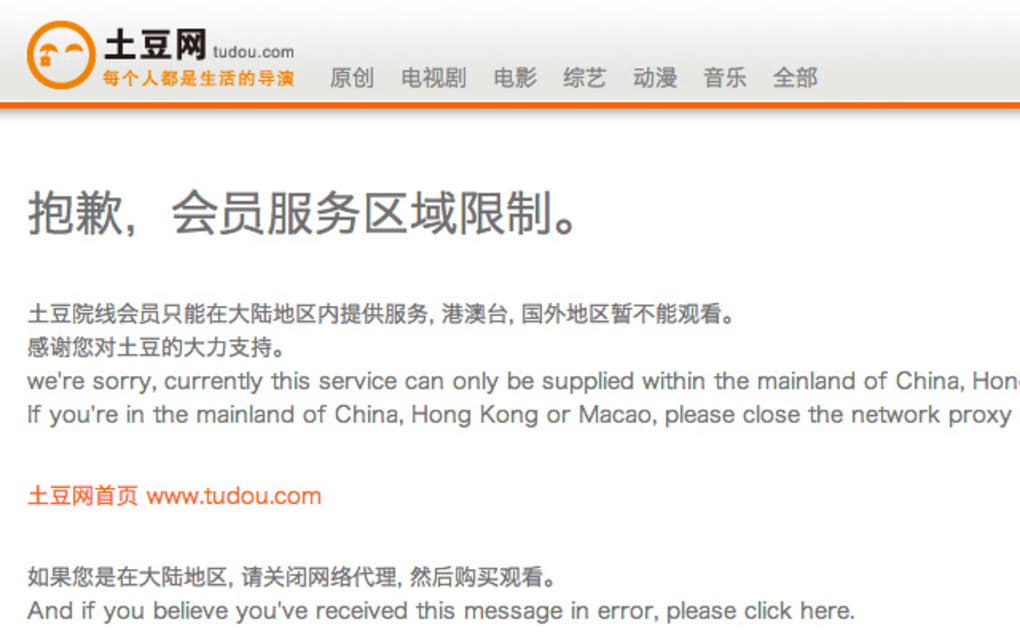
Unblock Youku for Chrome is a lightweight browser extension designed to give users outside the Chinese mainland seamless access to China‑restricted streaming services, most notably the popular video platform Youku. While many VPNs and proxy tools claim to “unblock” Chinese sites, this extension takes a more focused approach: it modifies the request headers and DNS routing so that the target website believes the visitor originates from a permitted region within China. The result is a smoother viewing experience with far less latency than traditional VPN tunnels.
One of the standout aspects of Unblock Youku is its respect for the native advertising ecosystem of the sites it accesses. Unlike some ad‑blocking tools that strip out revenue‑generating banners, this extension leaves native ads untouched, ensuring that content creators and platforms continue to earn from their work. Moreover, the developers have explicitly stated that neither the backend services nor the extension store any copyrighted media, thereby staying clear of intellectual‑property infringement concerns.
From a security perspective, Unblock Youku operates entirely within the Chrome browser sandbox. No external applications are installed, and all traffic is encrypted using HTTPS where possible. The extension also receives regular updates to keep pace with changes in Youku’s geo‑restriction mechanisms and to patch any emerging security vulnerabilities.
Whether you are a researcher, a language learner, or simply a fan of Chinese media, Unblock Youku provides a convenient, free, and secure way to enjoy the content you love without the overhead of a full‑scale VPN.
Key Features
- Region‑spoofing technology: Dynamically adjusts your perceived location to a mainland Chinese IP, allowing seamless access to Youku and other region‑locked services.
- Ad‑friendly operation: Preserves native advertisements on visited sites, protecting the revenue streams of content creators.
- Lightweight Chrome extension: No separate application or background service required; installs in seconds and runs silently.
- Automatic updates: Receives frequent background updates to stay ahead of Youku’s geo‑restriction changes.
- Secure HTTPS handling: All traffic is encrypted whenever the destination site supports HTTPS, reducing the risk of data interception.
- Privacy‑first design: Does not log browsing history, IP addresses, or personal data on external servers.
- One‑click activation: Simple toggle button in the Chrome toolbar to enable or disable the unblocking feature on the fly.
- Cross‑platform compatibility: Works on any operating system that supports the Chrome browser, including Windows, macOS, Linux, Android, and iOS (via Chrome mobile).
These features collectively make Unblock Youku a purpose‑built tool for anyone needing reliable, low‑latency access to Chinese video content. The extension’s focus on a single service means it can be optimized far more aggressively than generic VPNs, delivering faster load times and fewer buffering issues. Additionally, the privacy‑centric architecture ensures that users retain control over their data while still enjoying the benefits of region‑specific content.
Installation, Usage & Compatibility
Step‑by‑Step Installation
Installing Unblock Youku is straightforward:
- Open the Chrome Web Store and search for “Unblock Youku”.
- Click Add to Chrome and confirm the permissions request.
- The extension icon will appear to the right of the address bar.
- Click the icon to open the quick‑settings panel and toggle the “Enable Unblock” switch.
After activation, any Youku URL you navigate to will automatically be routed through the extension’s region‑spoofing engine. You will notice the address bar may display a slightly altered URL (e.g., a subdomain indicating a Chinese CDN), but the content will load as if you were browsing from within mainland China.
Using the Extension Effectively
Once installed, the extension works silently in the background. For optimal performance, follow these best practices:
- Keep the extension updated: Chrome automatically updates extensions, but you can manually check for updates via chrome://extensions → Details → Update.
- Enable only when needed: To conserve system resources, toggle the extension off when you are not accessing Chinese sites.
- Combine with a reputable DNS provider: Using a DNS service that supports DNS‑over‑HTTPS (DoH) can further improve privacy.
- Clear cache after major updates: If you experience unexpected buffering, clear Chrome’s cache to force fresh content loading.
Compatibility
Unblock Youku is built for the Chrome browser, meaning it inherits Chrome’s cross‑platform support. The extension works on:
- Windows 10, 11 and later
- macOS 10.15 (Catalina) and newer
- Linux distributions with Chrome or Chromium installed
- Chrome for Android (devices running Android 8.0 Oreo and above)
- Chrome for iOS (iOS 13+), though functionality may be limited due to Apple’s sandbox restrictions.
Because the extension runs entirely within the browser, there is no need for additional system‑level drivers or kernel modules. Users on older operating systems can still benefit as long as they have a compatible version of Chrome installed. The lightweight nature of the extension ensures minimal impact on CPU and memory, making it suitable for both desktop workstations and mobile devices.
Pros, Cons & Frequently Asked Questions
Pros
- Fast, low‑latency access to Youku without the overhead of a full VPN.
- Preserves native ads, supporting content creators.
- Free to use with regular automatic updates.
- Privacy‑focused: no logs or personal data stored externally.
- Works across all major operating systems that support Chrome.
Cons
- Limited to Chrome; not available for Firefox, Safari, or Edge.
- Only targets Youku and similar Chinese services; does not provide broader internet anonymity.
- Functionality on iOS may be restricted due to Apple’s browser policies.
- Relies on Chrome’s extension API, which could change in future releases.
Frequently Asked Questions
Is Unblock Youku safe to use?
Yes. The extension runs entirely within Chrome’s sandbox, does not store personal data, and uses HTTPS whenever possible. It also respects native ads, avoiding any malicious ad‑injection behavior.
Do I need a separate VPN to use Unblock Youku?
No. Unblock Youku handles the region‑spoofing internally, so a separate VPN is unnecessary for accessing Youku. However, if you need broader privacy or want to hide your overall IP address, you may still use a VPN alongside the extension.
Will the extension work on other browsers like Edge or Firefox?
Currently, Unblock Youku is only released for Google Chrome and Chromium‑based browsers. The development team has indicated interest in expanding to other platforms, but no timeline is set.
Can I use Unblock Youku on my mobile device?
Yes. The extension works on Chrome for Android and iOS. Android users will experience full functionality, while iOS users may encounter some limitations due to Apple’s restrictions on third‑party extensions.
Is there any cost associated with Unblock Youku?
The extension is free to download and use. Optional donations may be accepted by the developer to support ongoing maintenance, but no mandatory subscription or payment is required.
Overall Rating: 4.5 / 5 – The extension delivers fast, reliable access to Youku while maintaining user privacy and respecting ad revenue.
Conclusion & Call to Action
Unblock Youku for Chrome fills a niche that many VPN services overlook: providing a lightweight, privacy‑conscious way to watch Chinese video content without sacrificing speed or revenue for creators. Its straightforward installation, cross‑platform compatibility, and commitment to keeping native ads intact make it an attractive option for students, researchers, and entertainment enthusiasts alike.
If you’re looking to explore Chinese media, practice Mandarin, or simply stay up‑to‑date with trends on Youku, this extension is a hassle‑free solution that works out of the box. Download Unblock Youku today, enable the toggle, and enjoy uninterrupted streaming from anywhere in the world.
Click here to add Unblock Youku to Chrome for free and start watching your favorite Chinese shows instantly.







